Want to study subtitles outside the video?
Download Subtitle lets you export the full subtitle with flexibility — in the format that works best for your learning or review style.
✅ Why it’s helpful:
- 📝 Save subtitles for offline study or note-taking
- 🔁 Review dialogue anytime without rewatching
- 📂 Choose the best format for your learning tools (like Anki or CSV)
- 🚀 Keep a library of your favorite learning content
👣 How to use Download Subtitle:
1.Click the Download icon in the features menu beside the video

2.Choose your preferred format:
-
- Text (.txt) – Free and simple for reading
- HTML / CSV / JSON / Anki – Premium formats for advanced study
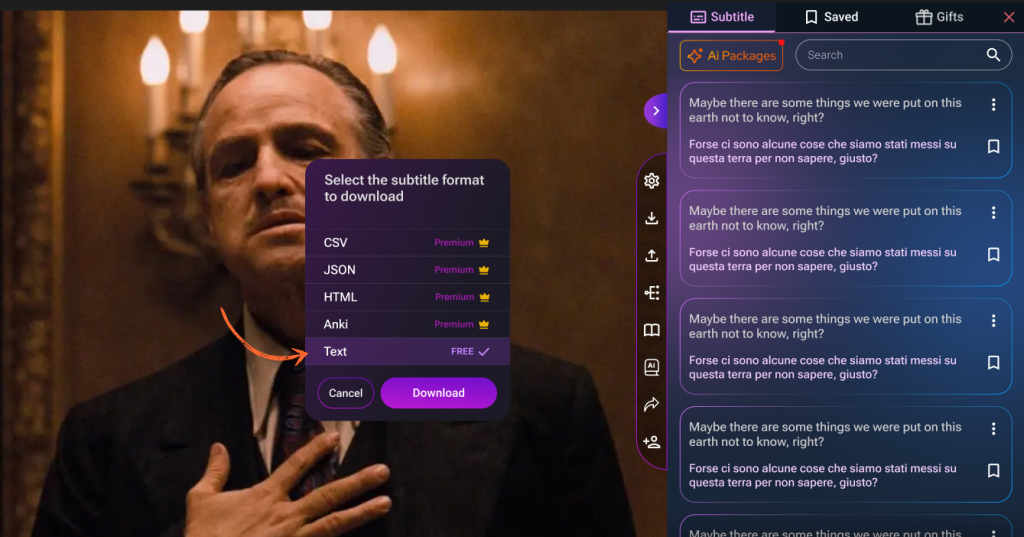
3.Click Download — and your file is ready!
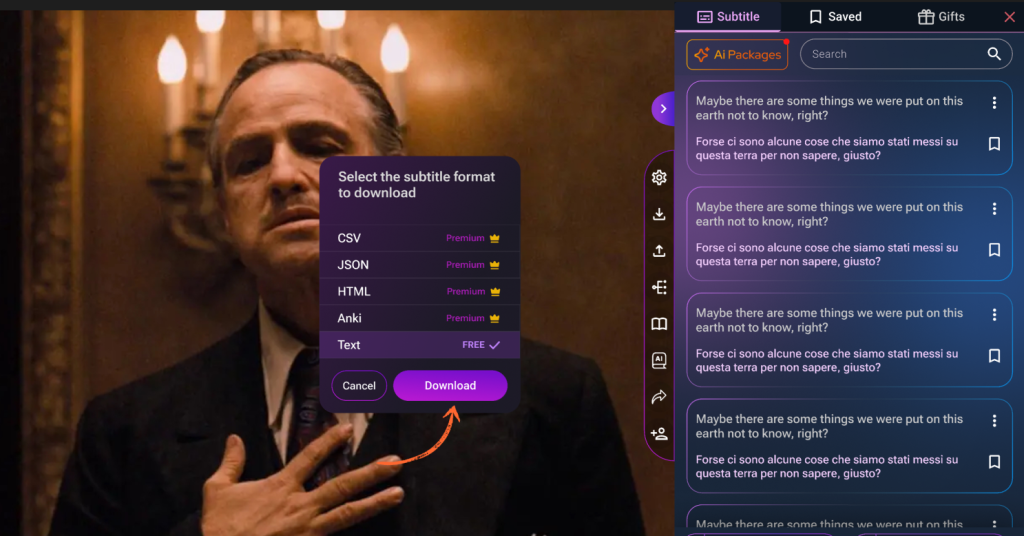
Take your subtitles with you!
Download Subtitle makes it easy to keep learning, even when you’re offline.