Learning a language isn’t just about single words — it’s about how words work together.
With Phrasal Saver, you can quickly select and save useful word combinations or phrases from subtitles, helping you learn naturally and remember better.
✅ Why it’s helpful:
- 🧩 Learn phrases in real context, not just isolated words
- ✍️ Edit and personalize translations for better understanding
- 📥 Save the expressions you actually want to remember
- 🔁 Review your saved phrases anytime in one organized place
👣 How to use Phrasal Saver:
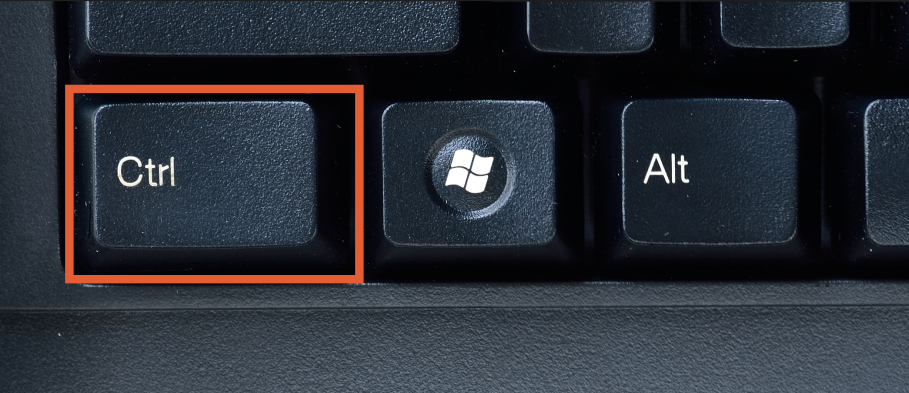
1.Hold down “Ctrl” on your keyboard while watching.
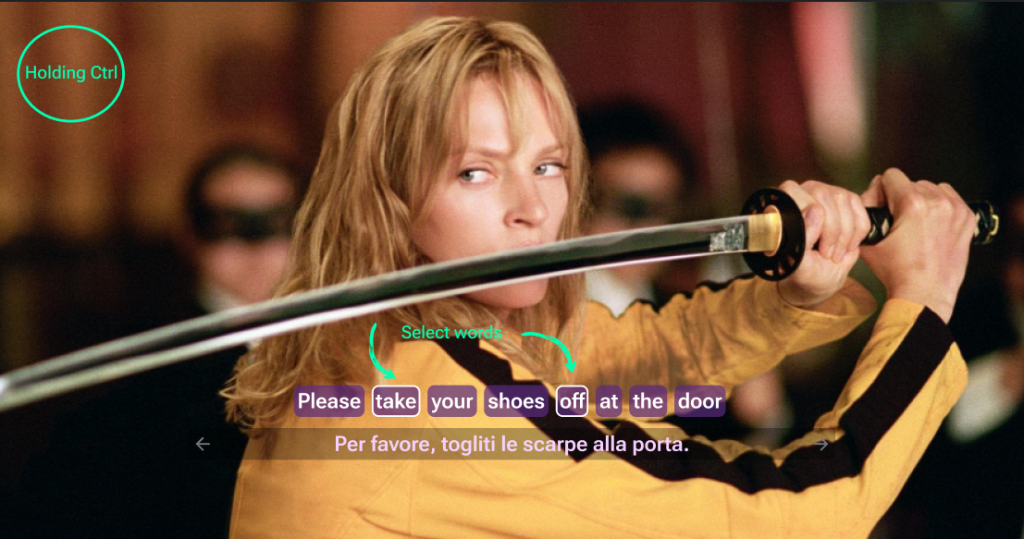
2.Click & Select couple words in the subtitle to save a phrase
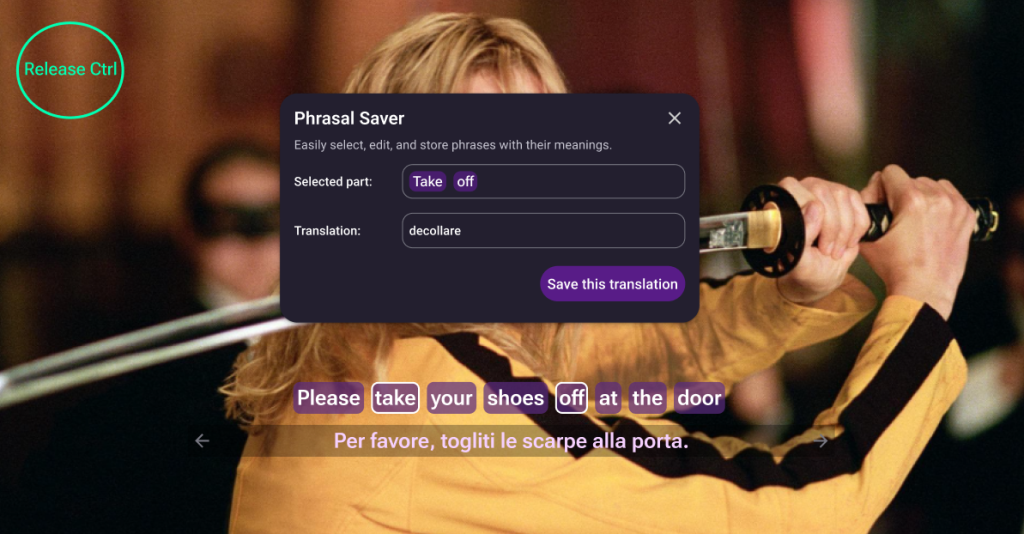
3.When you release “Ctrl”, a small popup will appear showing:
-
- The selected phrase
- Its translation
- An option to edit the translation if needed
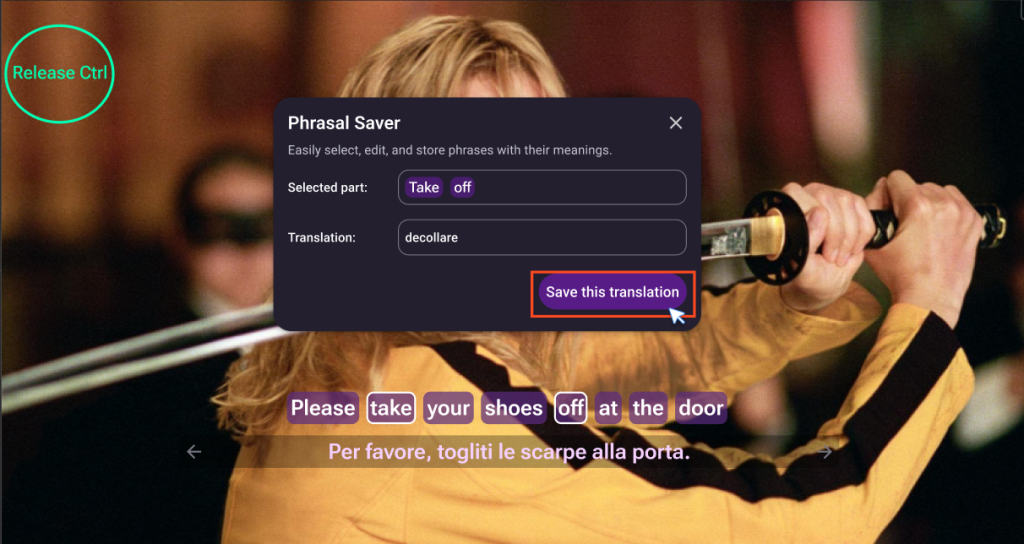
4.Click Save to add the phrase to your Saved Items tab (in the sidebar)
5.Review and practice your saved phrases later with full translations
🔤 Learning how phrases work in real speech boosts your fluency fast —
Phrasal Saver makes it easy to collect the language that matters to you.