🗣️ Fluency Gym – Train Your English Like a Muscle
Don’t just watch English—speak it, feel it, live it.
Fluency Gym turns movies and TV shows into your personal language training ground.
Instead of passively watching, you’ll actively guess, speak, and interact with real movie dialogues — making your English more natural, confident, and fluent over time.
🧩 Modes Inside Fluency Gym:
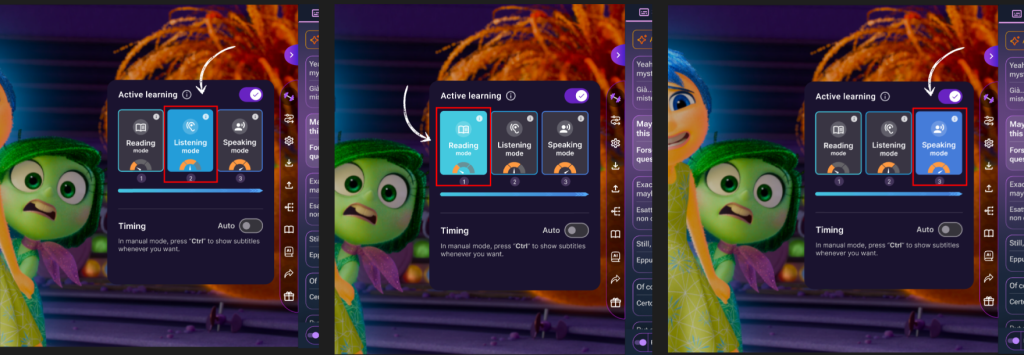
📚 Vocab Reading Mode
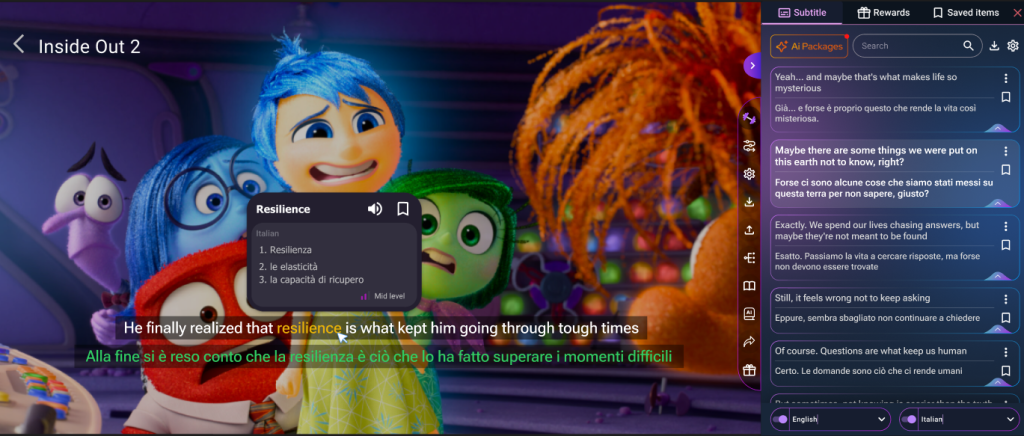
See new words as they appear in context. Tap to understand them clearly while staying in the scene. Learn naturally from how words are used in real dialogue.
🎧 Listening Mode
Train your ears by hearing native pronunciation in real time. Improve your comprehension and feel the rhythm of natural speech.
🗣️ Speaking Mode (Core Feature)
Here’s where the magic happens:
- Guess the next line of dialogue based on the subtitles
- Speak your guess out loud
- Hear how close your pronunciation is to the original actor
- Repeat until it feels right — just like real conversation practice
👣 How to use Fluency Gym:
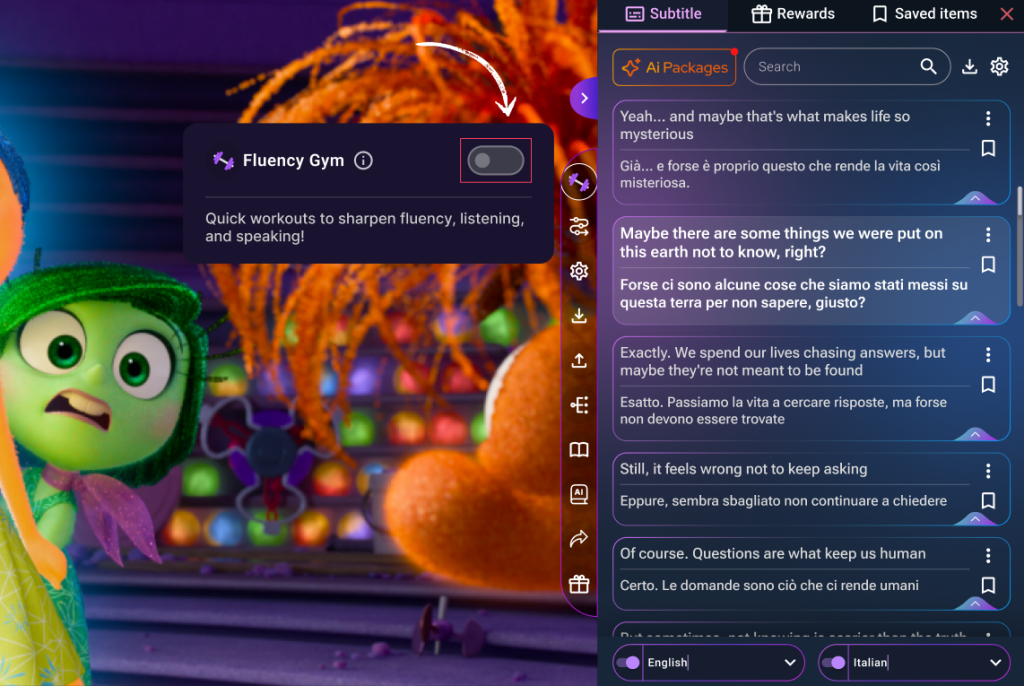
- While watching a video, click the Fluency Gym icon in the Extension menu
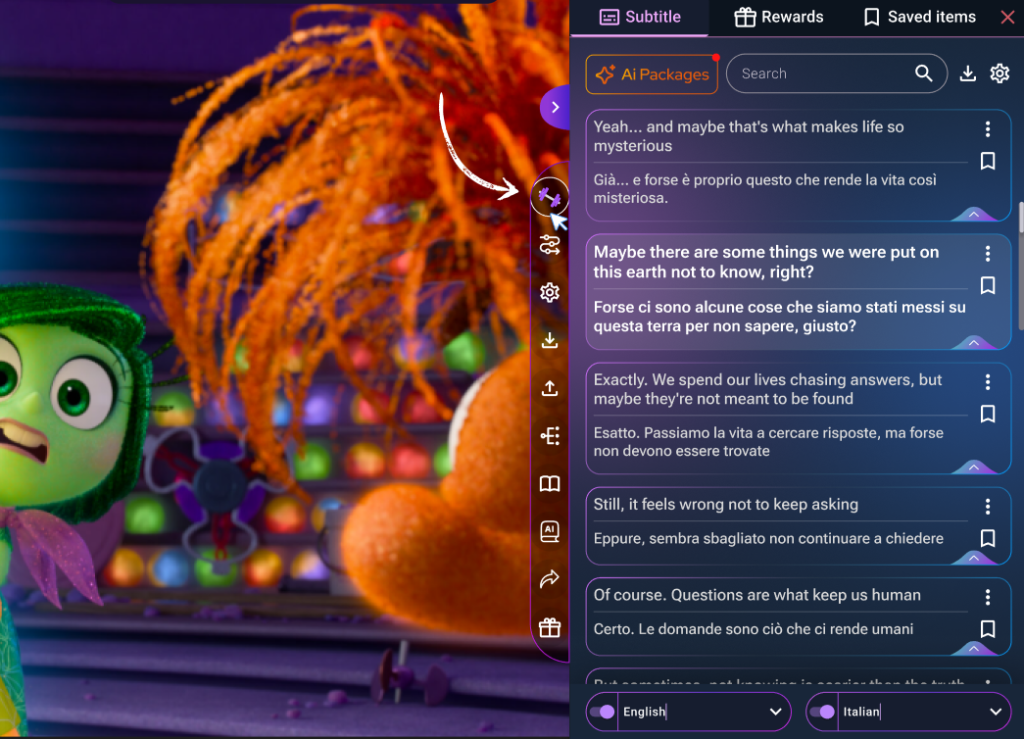
Fluency Gym speaking mode in action - A small tab will open — just turn on the switch button
Fluency Gym motivates language learners to reach fluency - Choose a mode: Vocab Reading, Listening, or Speaking
Tap words to explore meanings in your native language - Follow the on-screen prompts to:
- Pause at key moments
- Guess or speak the line
- Compare with the native version
📚1. Reading Stage
If you choose Reading Stage, you can enhance your understanding and remember new vocabulary with ease. You can also add new words into flashcards and review them later.
🎧 2.Listening Stage
If you choose Listening Stage, Listen carefully to the dialogue! After the sentence is spoken, you’ll have a moment to think about what you heard. If you didn’t catch it, just click to save it for later review!
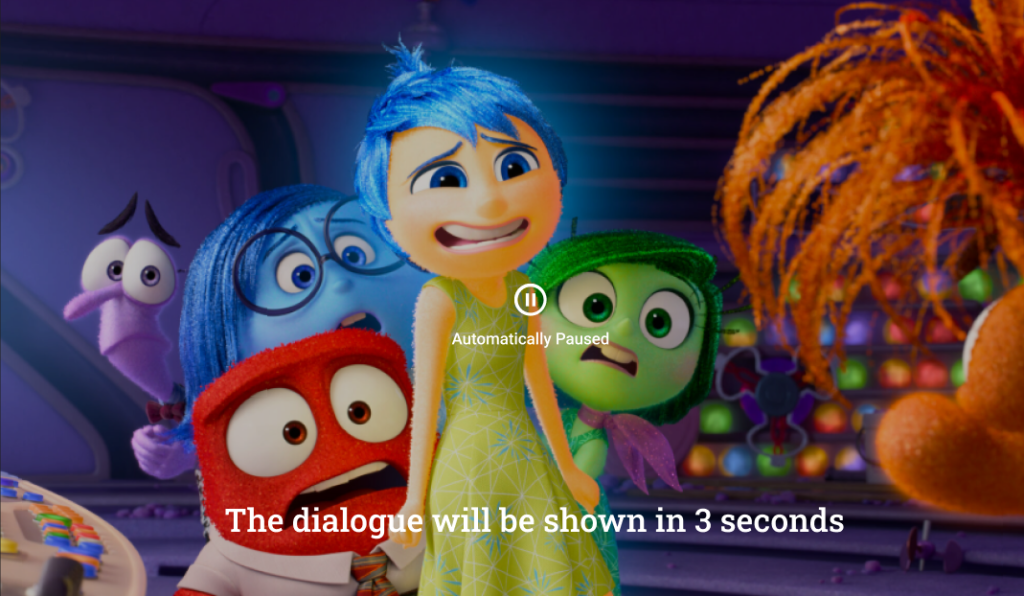
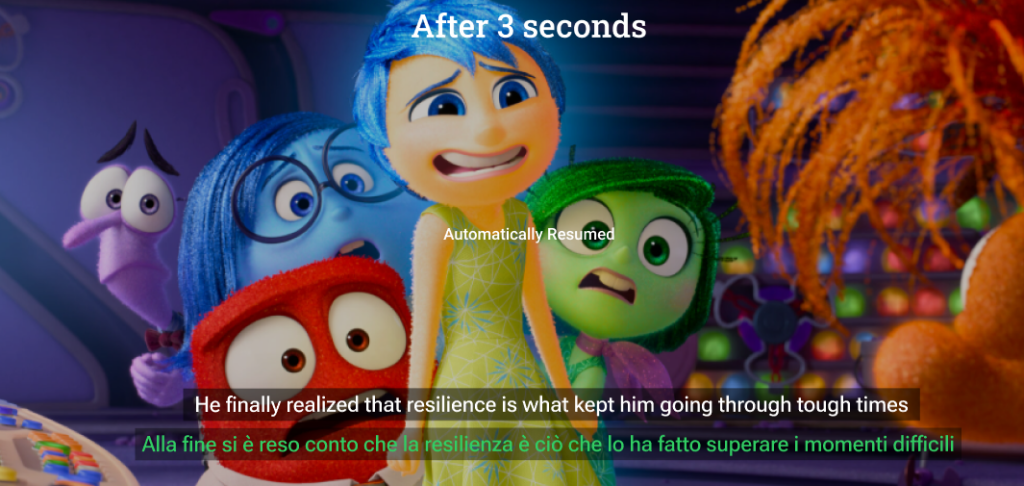
🗣️ 3.Speaking Stage
If you choose Speaking Stage, Get ready to respond! You’ll see a phrase in your native language. Try to think of how to express that in learning language before the dialogue is revealed.
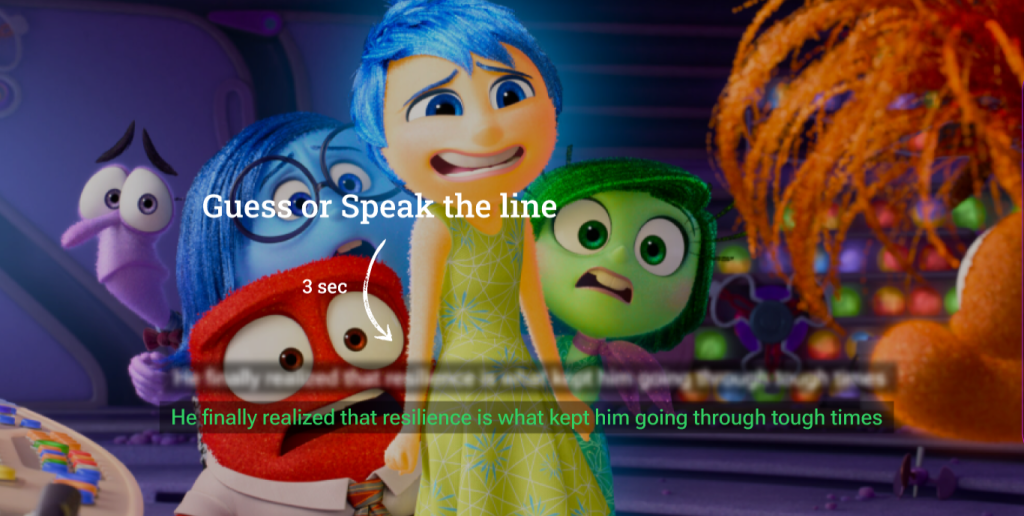
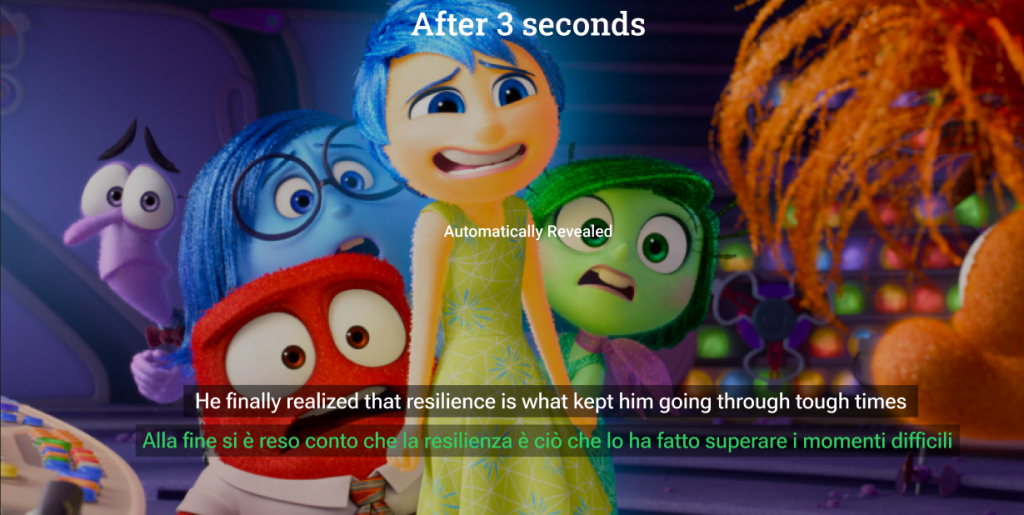
Track your fluency progress over time and dive into Fluency!